Skip to the game
Jurassic War
English
Windows 1.11G · build 1.12.34.0 · World Studio 0.40.0 · 13 October 2026

World Studio

Create maps, campaigns and custom assets with the latest World Studio for Windows. Use the browser editor for a direct create-and-test workflow.

Choose your workspace

Windows Edition

World Studio 0.40.0

The complete editor for maps, campaigns and custom content.
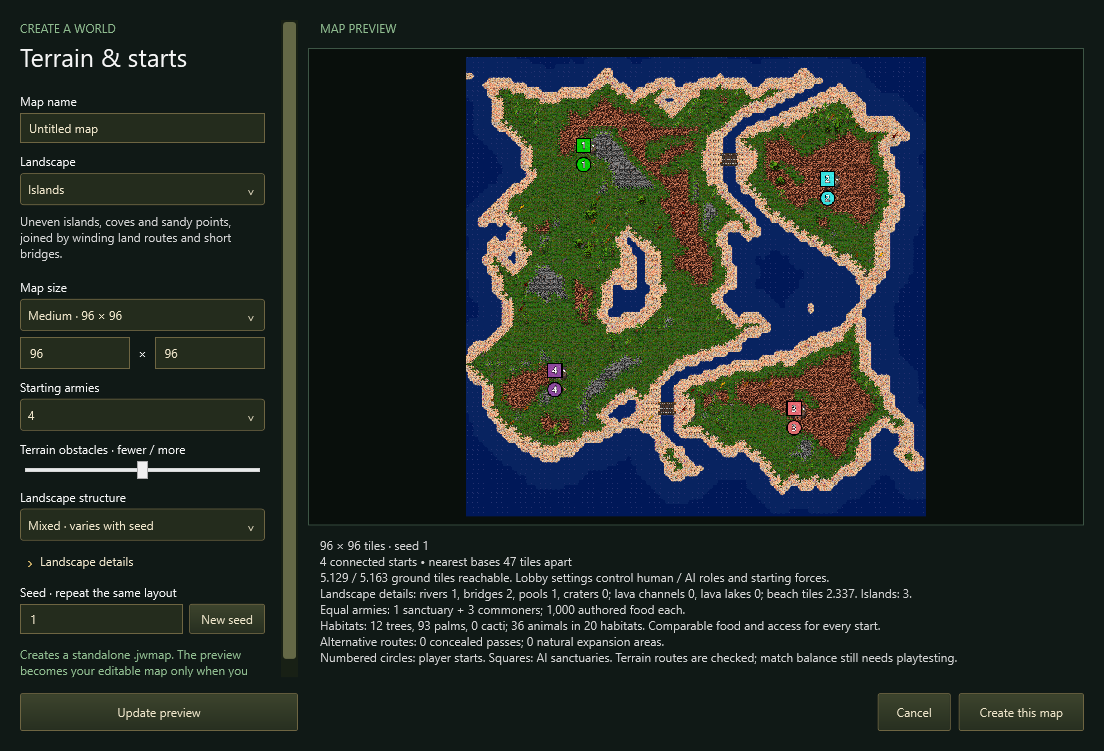
Actual Windows World Studio map-generation dialog; this capture predates the current 0.36.0 release.
Windows · native map generation

Requires a Jurassic War game folder with the original English retail assets. Choose the complete game package if you do not have them.

Windows x64 · 149.8 MB ZIP · .NET runtime included
Browser testing lab

Browser editor

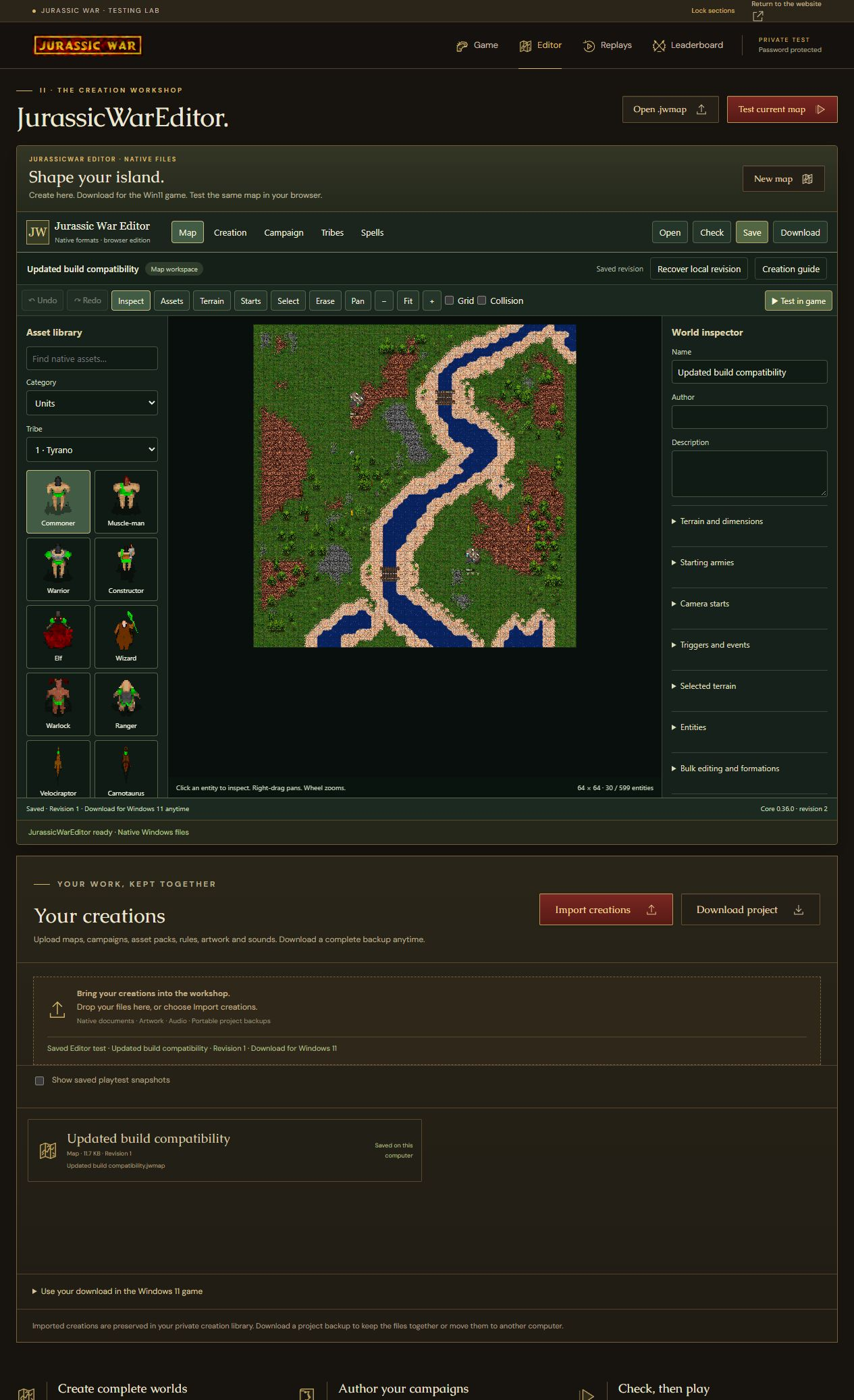
Create or upload a map, test it here, and download it for Windows.

Actual website editor with a native map open. This browser edition uses Core 0.36.0.
Browser · edit a native map

Browser workshop

Core 0.36.0 · .jwmap · .jwassets · Project ZIP

Create. Test. Keep.

  1. 01

    Create or upload

    Start a native map, or open your own maps and designs.

  2. 02

    Test your map

    Validate and playtest in Windows, or use Test current map in the website editor.

  3. 03

    Download and keep

    Save native files for the Windows game. Export the full project ZIP to keep every dependency and revision.

Your work belongs to you. Upload your own native files, keep revisions, download individual creations and export a complete project backup.

v1.11G: a livelier world, safer creations

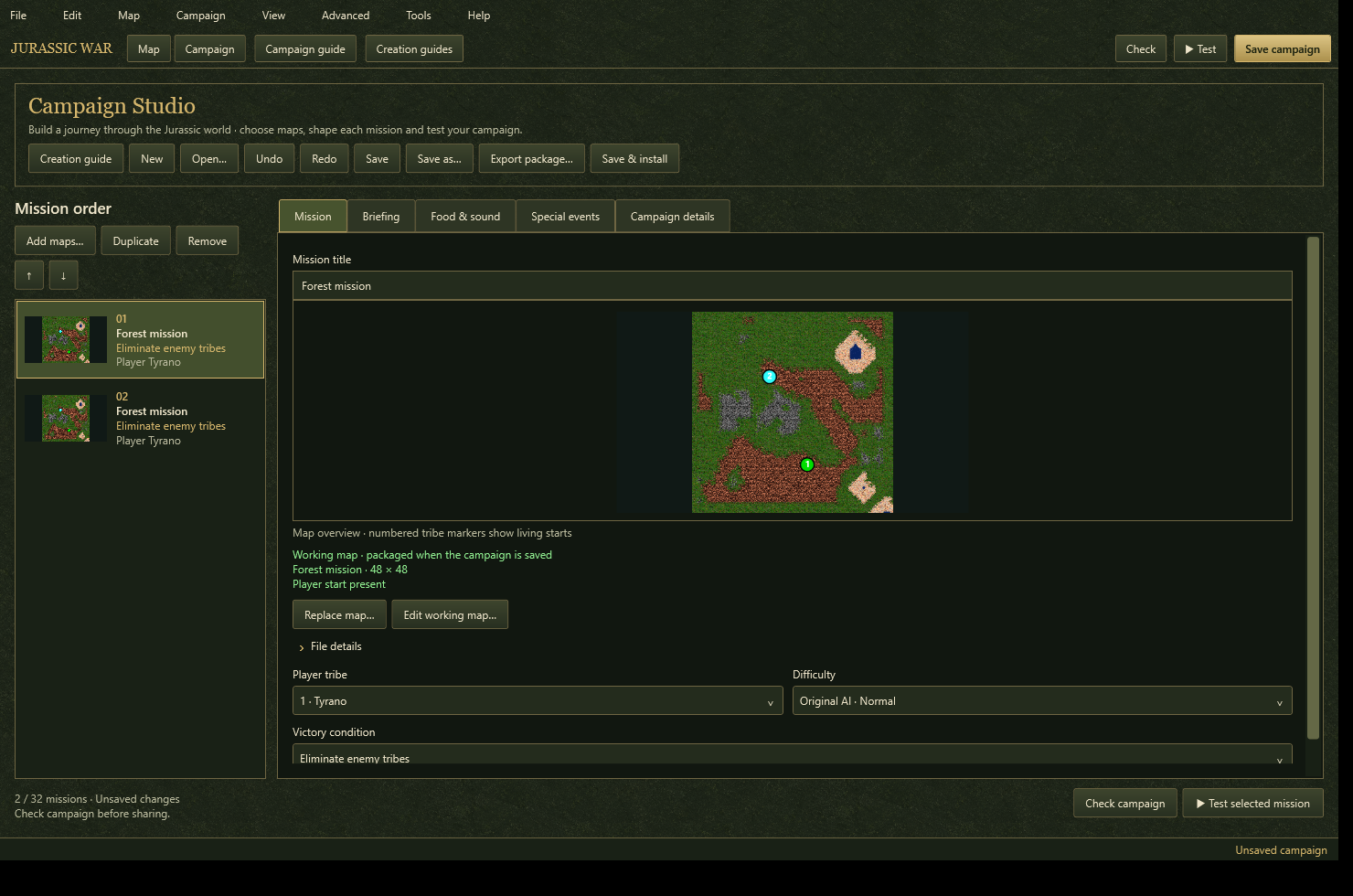
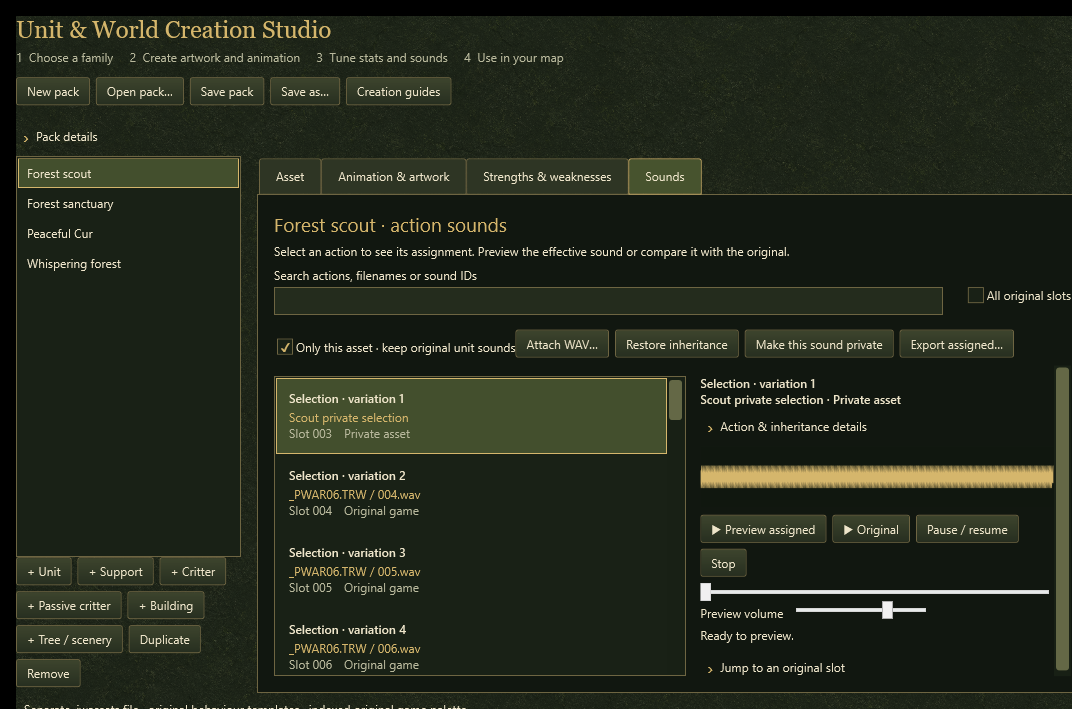
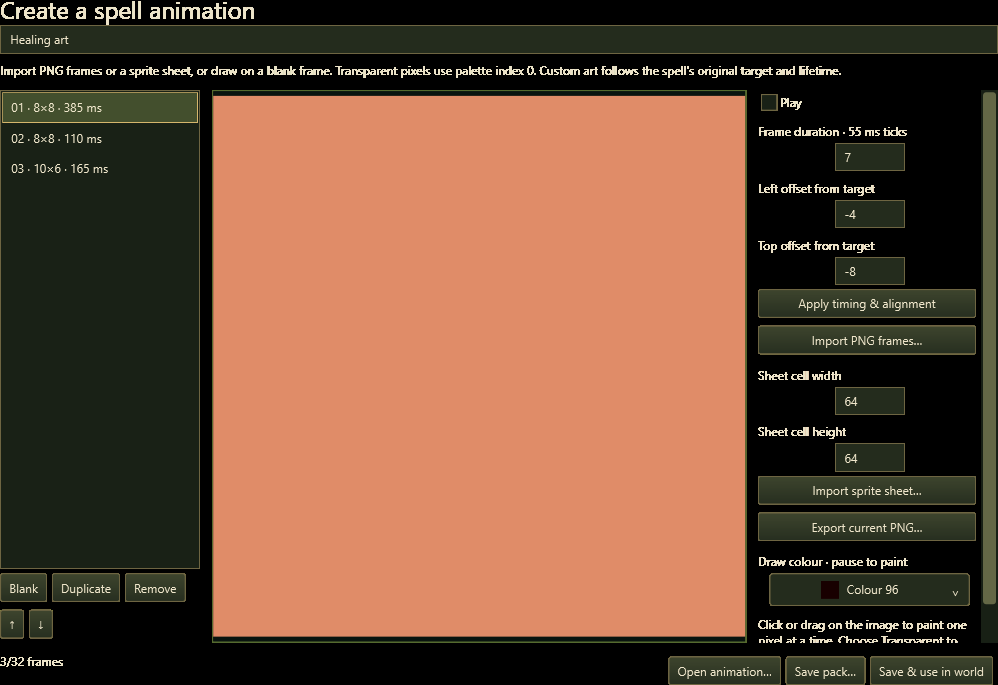
World Studio 40 includes portable audio conversion, broader image/animation imports, editable wildlife food amounts, asset-pack Undo/Redo and automatic draft recovery. Repairs cover custom names, stats, production outputs, private sounds, resurrection identity and campaign dependencies.

Large-map loading, campaign weather editing and animation previews do less repeated work. More file validation runs in the background to keep interfaces responsive. Save/load validation, draft protection and custom-content admission are stronger.

All online players and spectators need this exact game build and matching custom content. The desktop game is v1.11G / 1.12.34.0 and World Studio is 40 / 0.40.0. The separate browser lab remains game 1.12.17.0 / editor Core 0.36.0.

Editions, file formats & recovery

Windows Studio · 0.40.0

Author maps and campaigns, import custom assets, validate content and playtest with the current Windows game. The standalone editor includes its .NET runtime; original English retail game assets are required.

Advanced desktop features, including timed fog map format v8, are also supported by the updated browser runtime.

Website editor · Core 0.36.0

Paint maps, place units and buildings, edit creation packs, and prepare supported campaigns, tribes and spells. Upload your own native files and test the current map directly in the website game. The in-game Editor button returns to this editor.

This browser interface uses the current native Core and supports map formats 1–9. It does not reproduce every Windows interface feature. Unsupported files are reported instead of silently converted.

Native files & complete backups

.jwmap.jwcampaign.jwassets.jwtribes.jwspells

Download the native creation for the real Windows game and keep its dependency files beside it. A full website project ZIP preserves dependencies, original uploads and revision history, and can be uploaded again to reopen your work.

Recovery & safe closing

Local checkpoints help recover work after a reload. Download a backup before leaving: browser storage can be cleared. Lock waits for valid changed documents to reach local storage; fix any validation error before locking.

Explore the Windows tools

Screenshot