Windows 版
World Studio 0.40.0
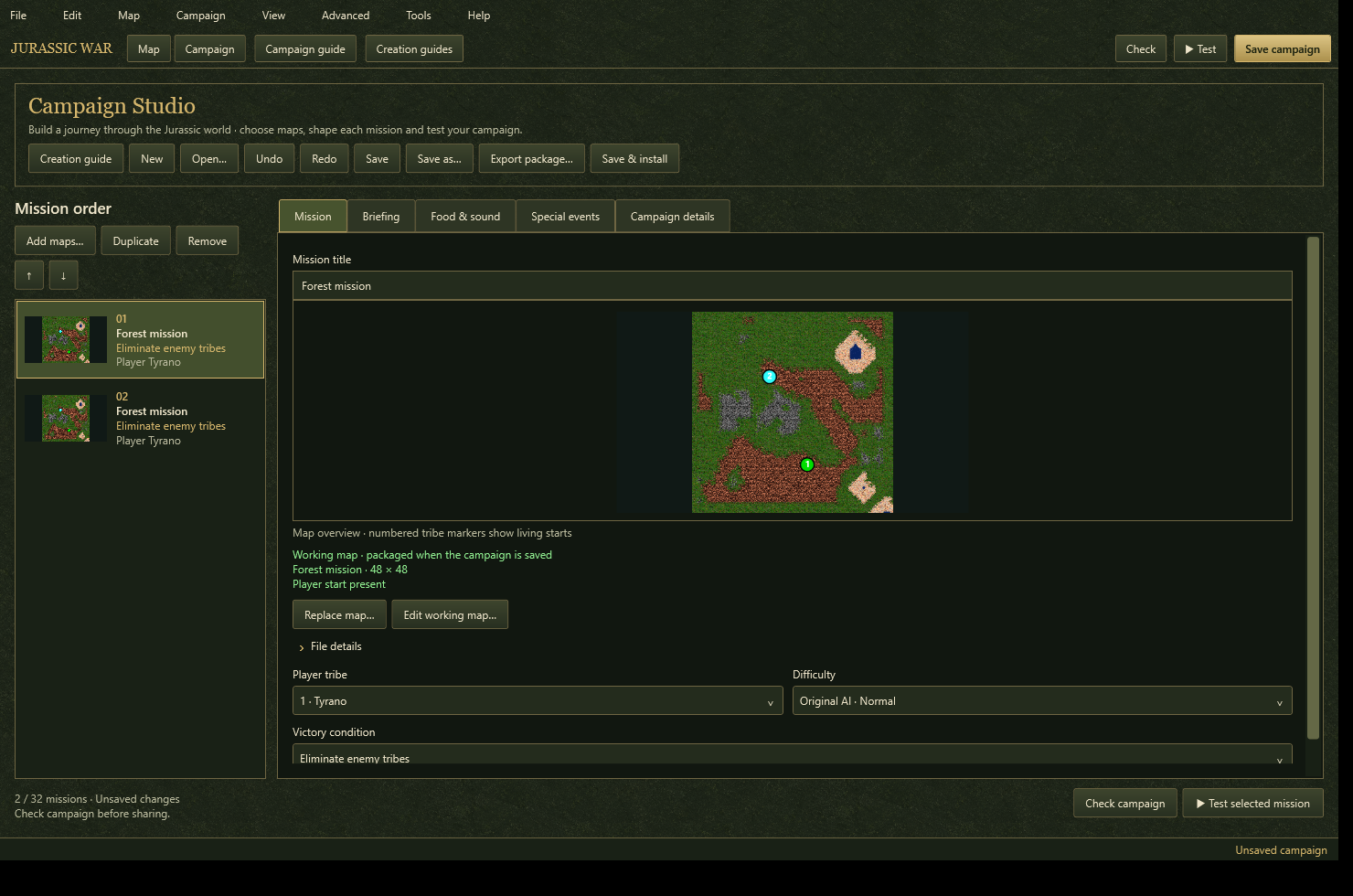
用于地图、战役和自定义内容的完整编辑器。
需要包含原始英文零售版数据的 Jurassic War 游戏文件夹。如果没有这些数据,请选择完整游戏包。
Windows x64 · 149.8 MB ZIP · .NET runtime included

使用最新 Windows 版 World Studio 创建地图、战役和自定义内容。网页版编辑器让你从制作直接进入游戏测试。
Windows 版
用于地图、战役和自定义内容的完整编辑器。
需要包含原始英文零售版数据的 Jurassic War 游戏文件夹。如果没有这些数据,请选择完整游戏包。
Windows x64 · 149.8 MB ZIP · .NET runtime included
浏览器测试区
创建或上传地图,在此测试,再下载到 Windows 使用。
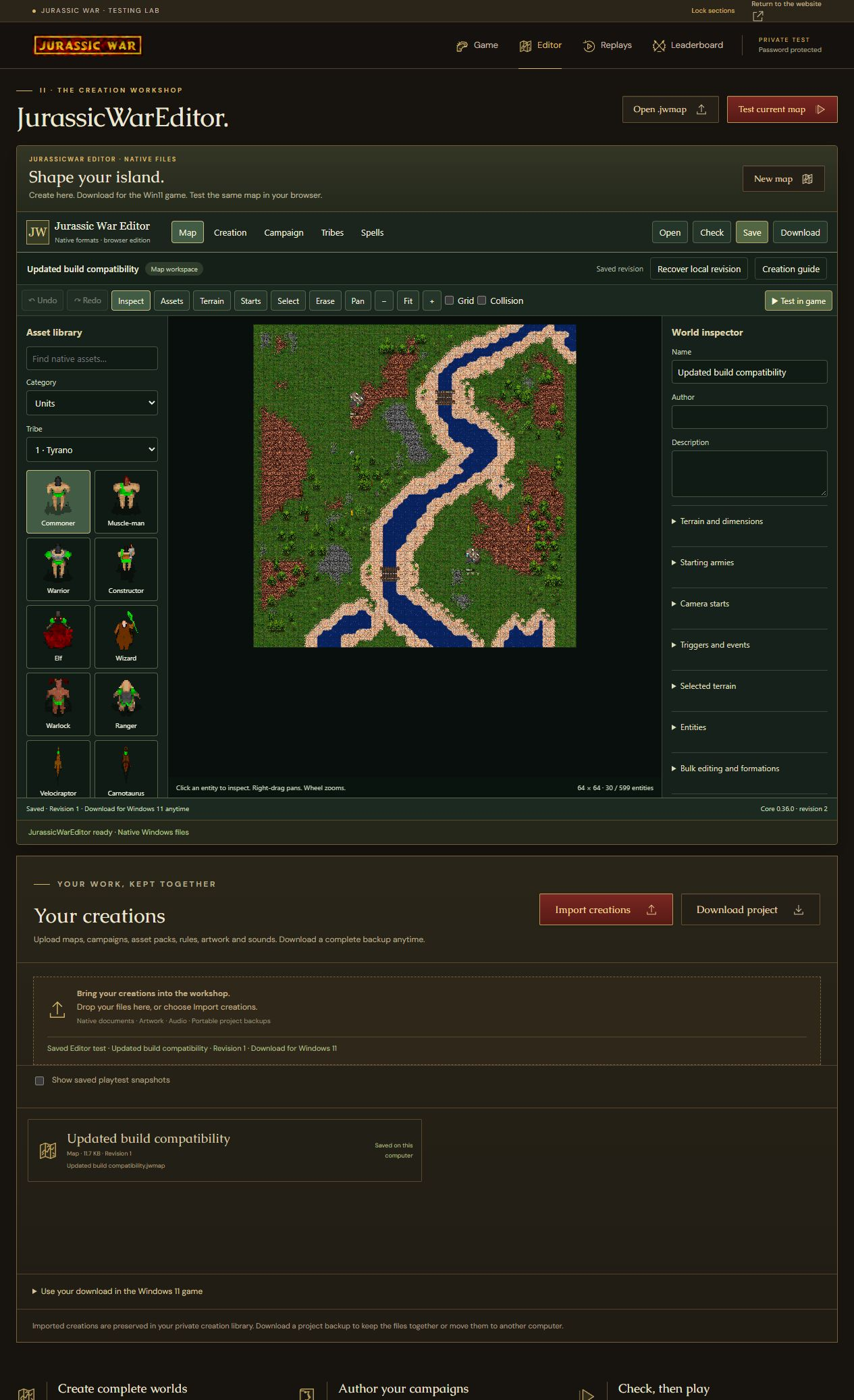
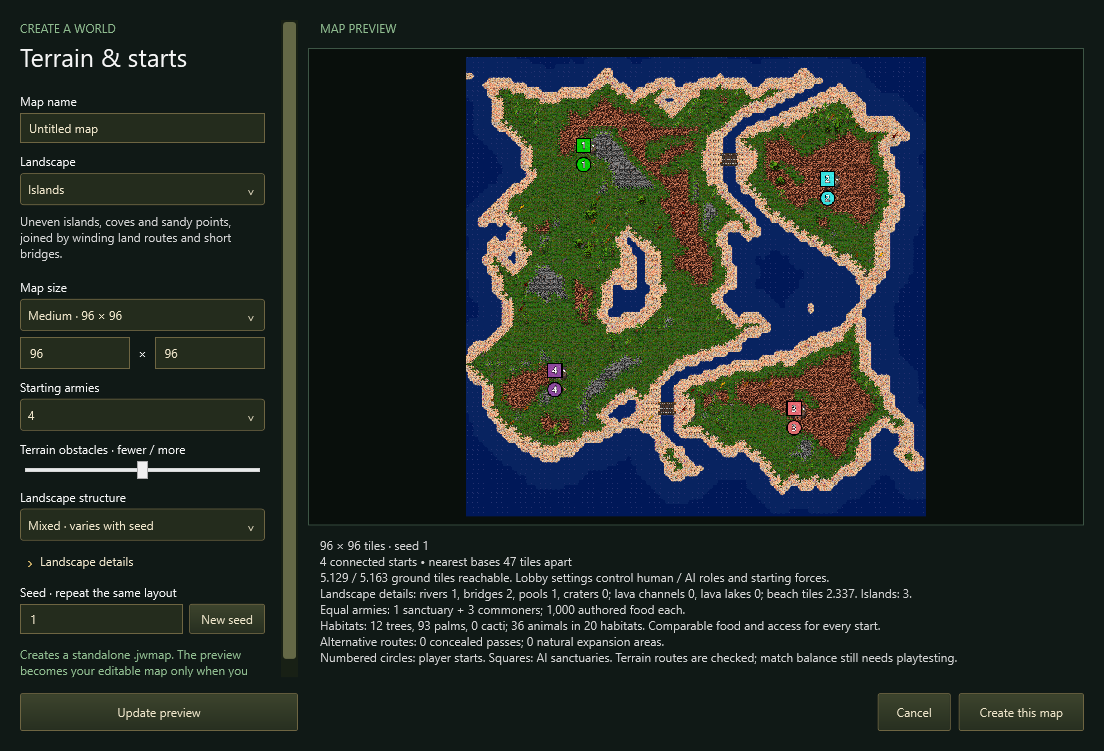
开始制作原生地图,或打开自己的地图和设计。
在 Windows 中验证并试玩,或使用网站编辑器的 Test current map。
保存原生文件供 Windows 游戏使用。导出完整项目 ZIP,保留所有依赖文件和修订记录。
你的作品属于你。 上传自己的原生文件、保留修订版本、下载单个作品并导出完整项目备份。
详细版本信息以英语提供。
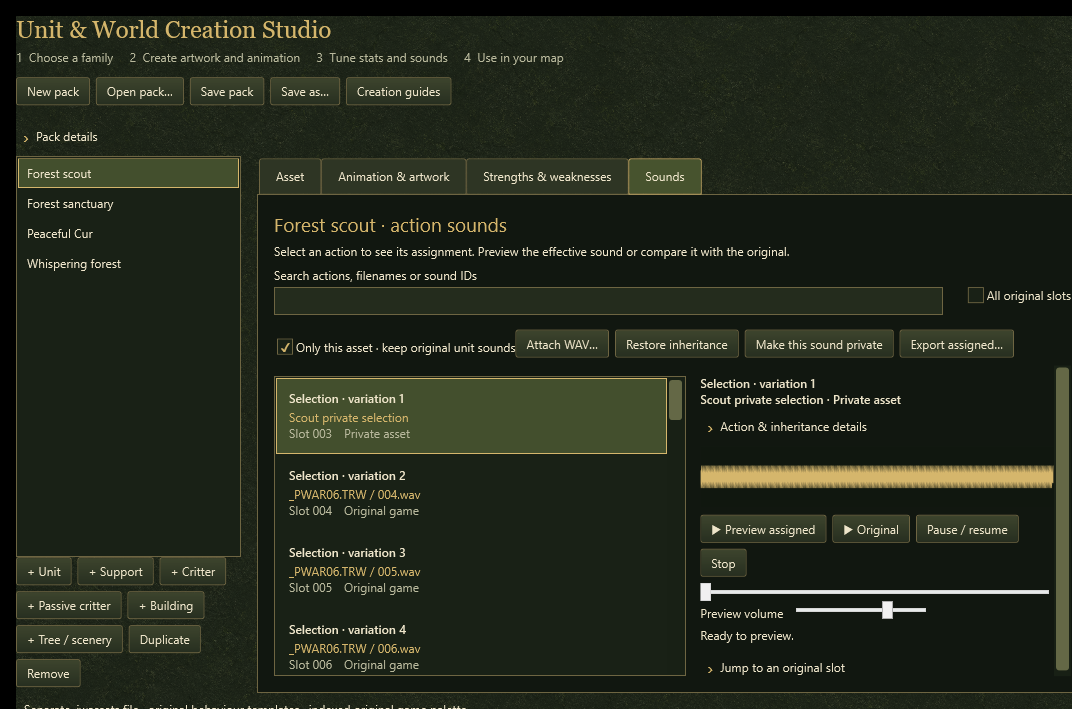
Author maps and campaigns, import custom assets, validate content and playtest with the current Windows game. The standalone editor includes its .NET runtime; original English retail game assets are required.
Advanced desktop features, including timed fog map format v8, are also supported by the updated browser runtime.
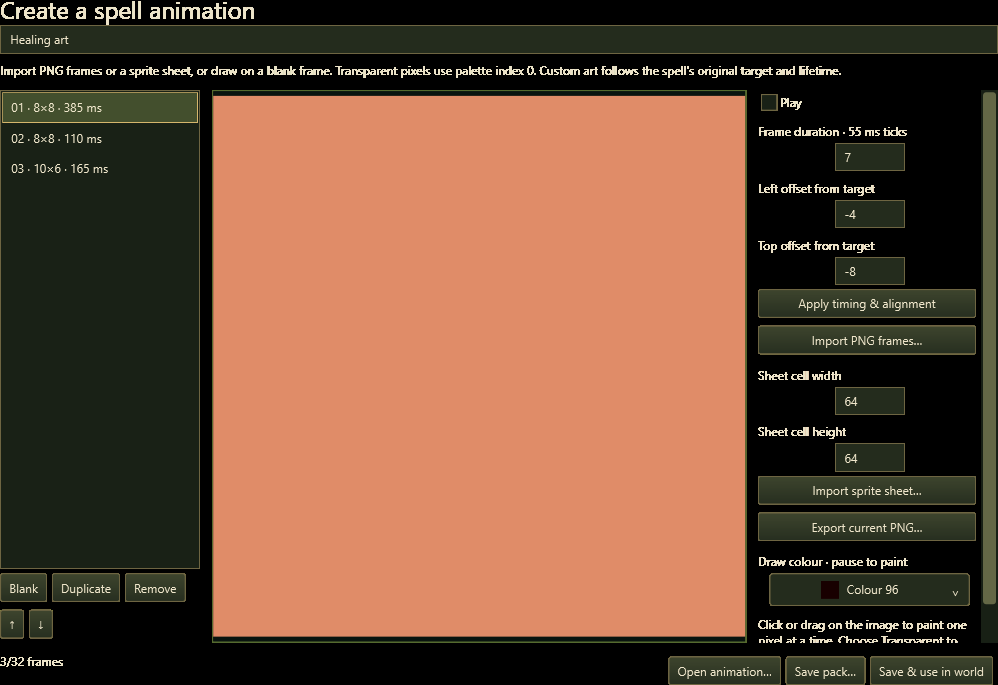
Paint maps, place units and buildings, edit creation packs, and prepare supported campaigns, tribes and spells. Upload your own native files and test the current map directly in the website game. The in-game Editor button returns to this editor.
This browser interface uses the current native Core and supports map formats 1–9. It does not reproduce every Windows interface feature. Unsupported files are reported instead of silently converted.
Download the native creation for the real Windows game and keep its dependency files beside it. A full website project ZIP preserves dependencies, original uploads and revision history, and can be uploaded again to reopen your work.
Local checkpoints help recover work after a reload. Download a backup before leaving: browser storage can be cleared. Lock waits for valid changed documents to reach local storage; fix any validation error before locking.