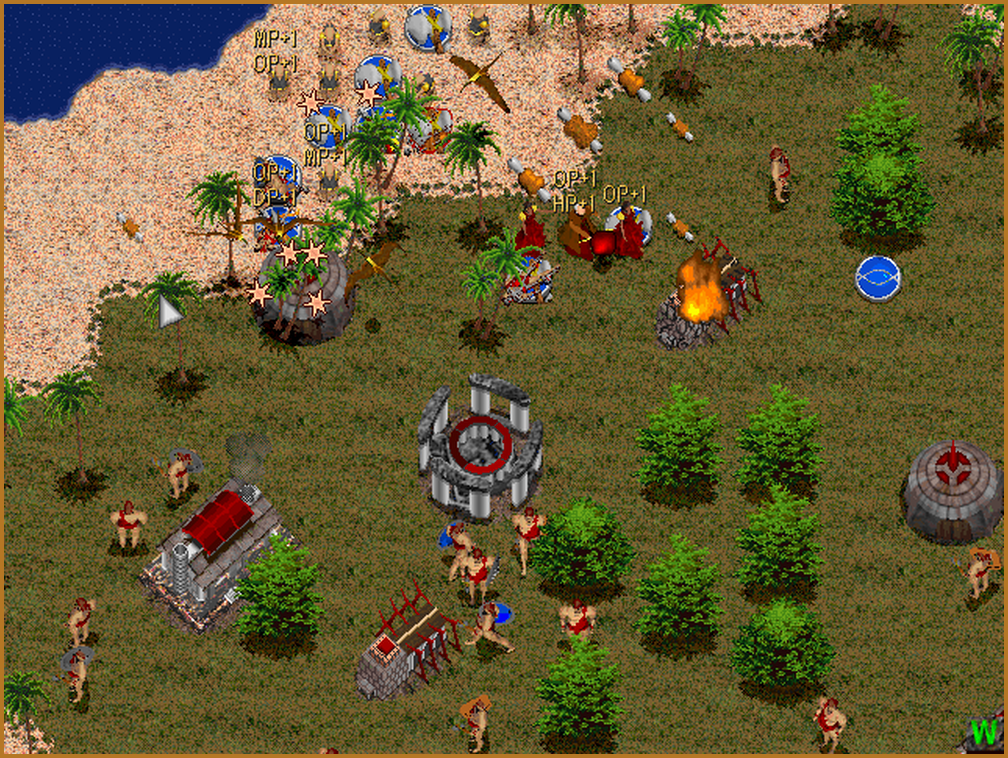
Keep the tribe fed.
Food sustains your people and pays for production. Hunt wildlife, bring supplies home and protect the workers and stores that keep your army moving.

Good hunting. Welcome back.
Dinosaurs, magic and a fight for survival. Rediscover Jurassic War—and take the original world further with new ways to play on Windows.
Original game by TRIC · Native Windows update Jurassic War 1.11G
The video could not be loaded. Open it using the link below. Open video
I The original game
The DOS strategy classic where a veteran hunter matters, food keeps your tribe alive, and the next clearing may hide something much bigger than you.
The legend of Jurassic Island
On a remote island born from a shattered world, dinosaurs live again. Eight tribes arrive with different ambitions, powers and ways of surviving. Their stories meet in a struggle for the island.
Created by Tranquil Revolt in Computer (TRIC), Jurassic War combines real-time strategy with growing, equippable units. Lead hunting parties, protect experienced fighters and discover what each tribe can bring to the battle.
Explore the game's background in the history archive.
Three ideas at the heart of the original game.
Food sustains your people and pays for production. Hunt wildlife, bring supplies home and protect the workers and stores that keep your army moving.
Units grow through use and experience. Weapons, shields, recovery items and magical relics give you reasons to care for individual fighters as well as the whole army.
Scouting, terrain and visibility shape your decisions. Each campaign has its own starting forces and objectives, and each tribe offers a different mix of fighters, dinosaurs or magic.
Eight identities. Eight campaigns. Select an emblem to meet them.
Among the island's first settlers, the Tyrano learned to tame its dinosaurs. Their identity is built around these powerful creatures and the people who fight beside them.
Play their twelve-mission campaign, or choose Tyrano for a new skirmish or multiplayer battle.
The Kanoose broke away from the Koomba in resistance to the Moospell. Their sorcery and restorative powers give this tribe a very different rhythm from a force built around brute strength.
Care for your spellcasters and keep your army supported through a long fight.
Arriving from a cold, unstable homeland, the Romack brought unusual movement techniques to the island. Their Rangers reward attention to positioning, distance and choosing the right engagement.
A distinct campaign for players who enjoy movement and careful control.
The aggressive Masai arrived on the island's eastern coast with conquest in mind. Warriors and strong equipment put capable, well-armed fighters at the centre of their army.
Train your people, equip them and preserve the veterans who carry your battles.
Followers of the dark god Perox, the Moospell use harmful magic to impose their will on the island. Their spellcasters bring a dangerous alternative to conventional weapons.
Protect your magical units and manage the resources that keep their spells available.
Survivors of exile and a difficult sea journey, the Koomba rely on physical strength and resilience. Their tough fighters offer a grounded answer to the island's many threats.
A tribe shaped by survival, with its own equipment and campaign challenges.
Ranged weapons, arrows and poison arrows distinguish the Radumba. Hunting and choosing targets at a distance connect their economy with their battlefield strengths.
Use range and control to support your fighters against the island's larger inhabitants.
The Koaka separated from the Tyrano and took flying dinosaurs with them. Their creatures open up new ways to scout and move through a battlefield that other tribes experience from the ground.
Take to the air to discover the island and choose where to fight.
II The native Windows edition
Trailer
Jurassic War in motion. Pick a video and press play.
2:40 / Windows / v1.11G
Explore the Windows edition in the new Jurassic War feature trailer.
The video could not be loaded. Open it using the link below.
The original game engine and artwork, running directly on Windows—with skirmish, full campaign co-op, bigger multiplayer battles and a more living world.
This is the native Windows update to the original game. The separate Unreal remake has its own development archive.
The island keeps growing
New ways to command the island, build your own worlds and return to the battles that matter.
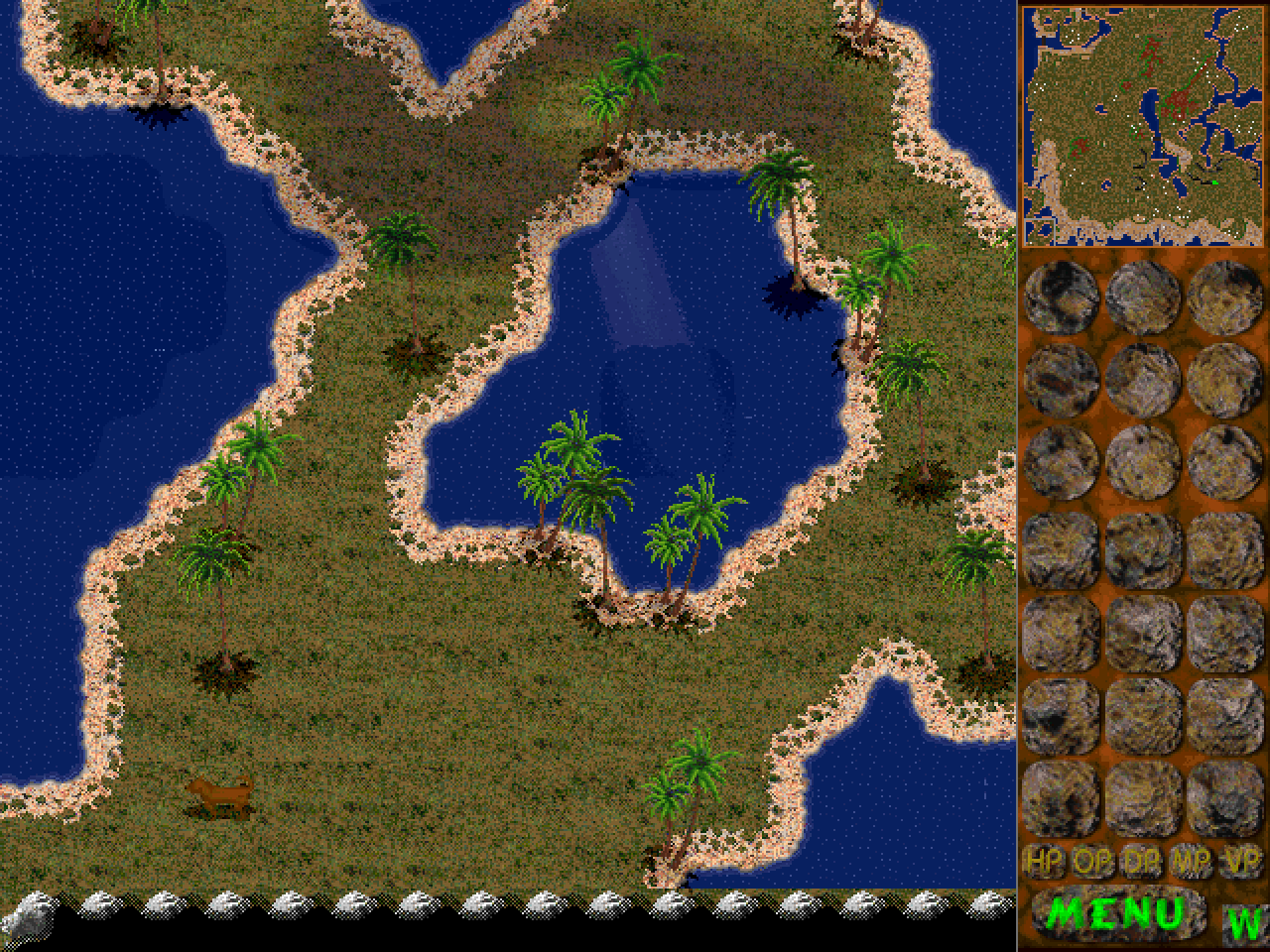
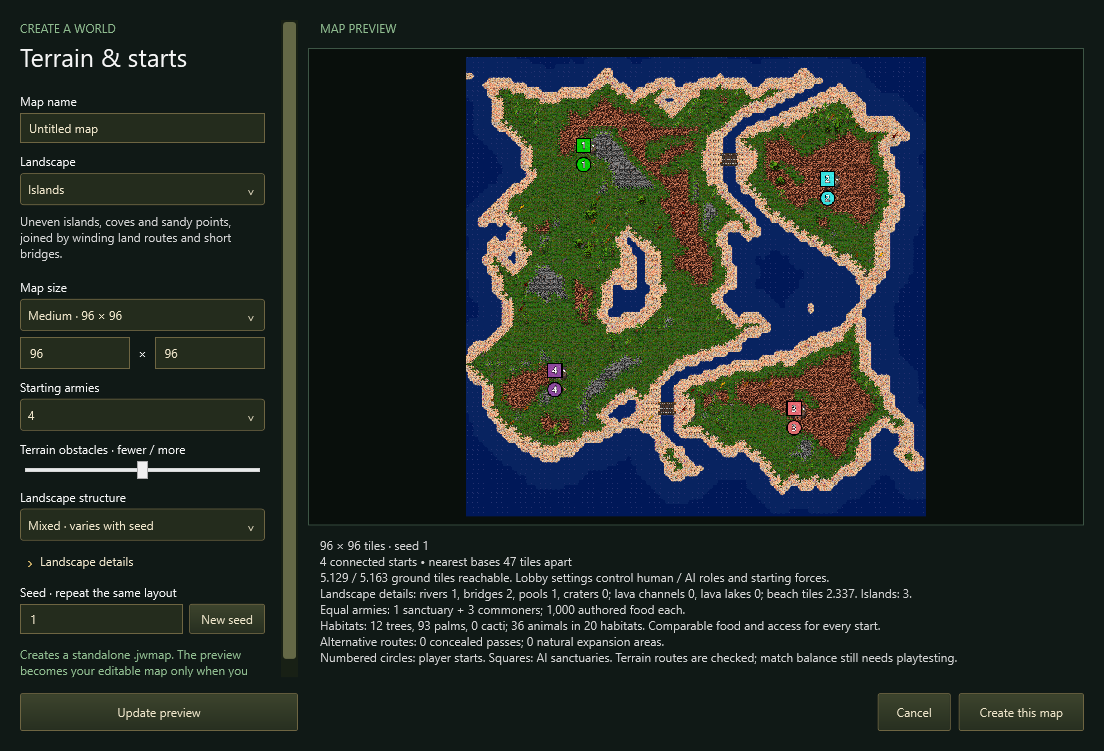
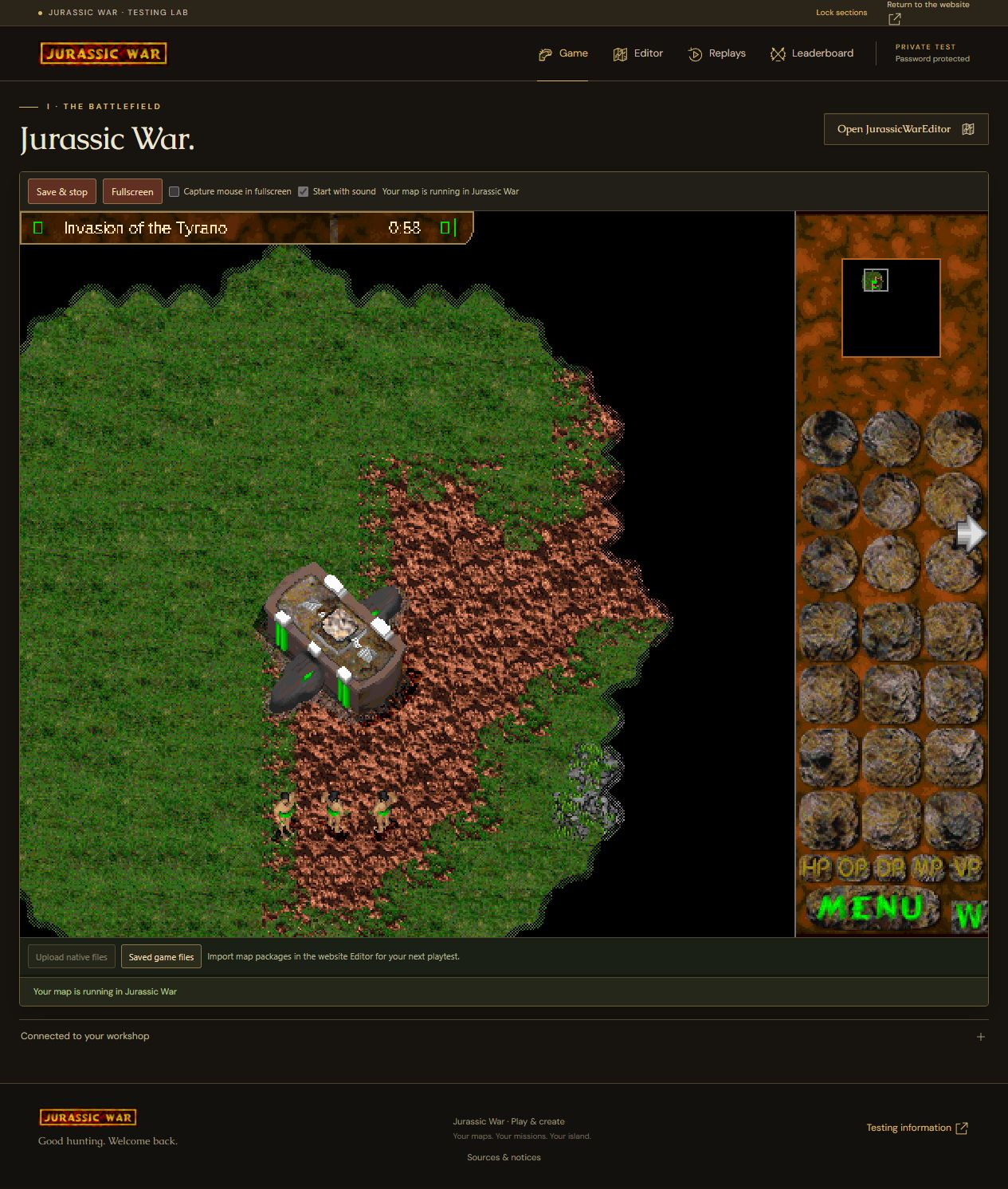
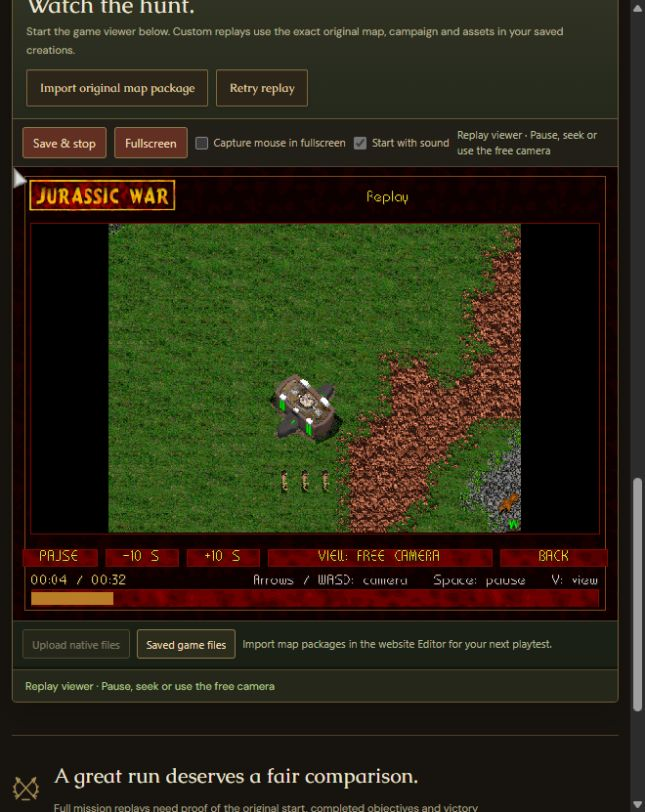
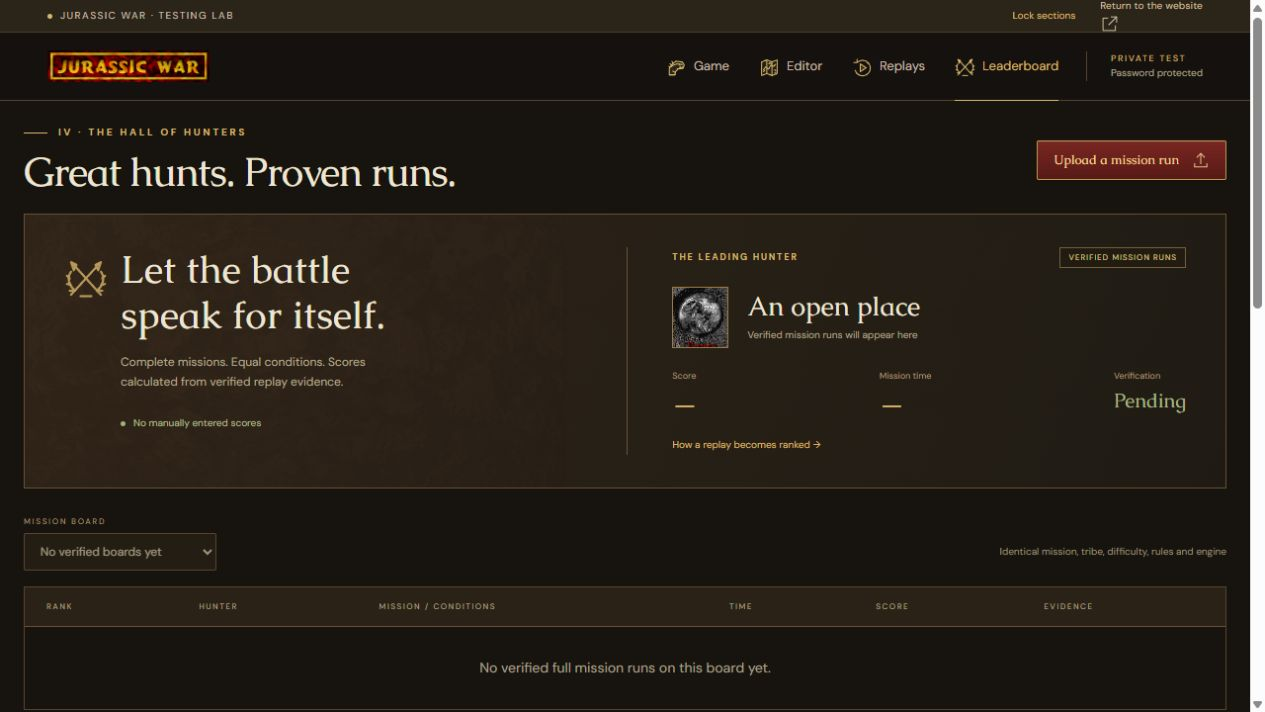
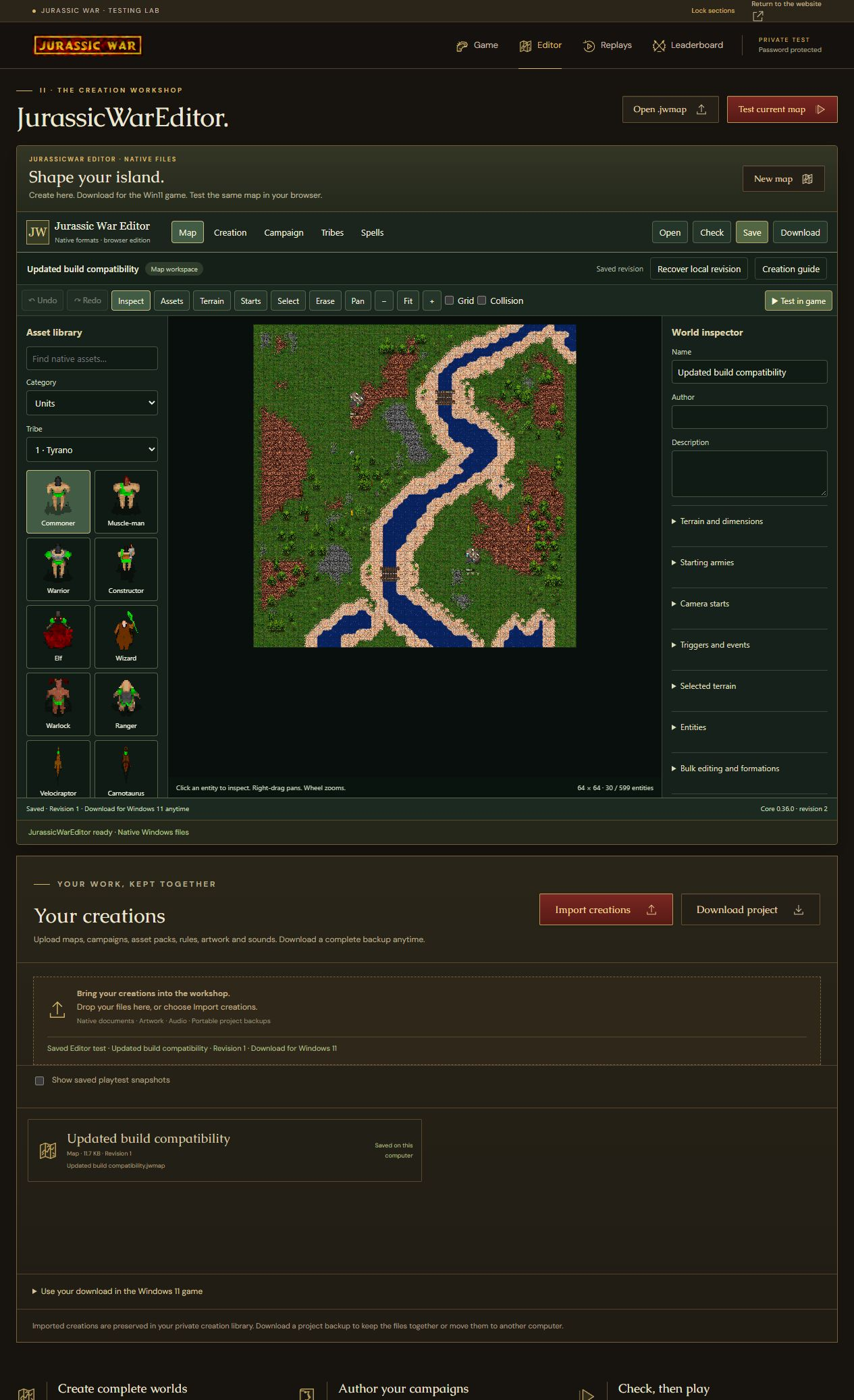
Windows · v1.11G · World Studio 40 / 0.40.0
The Windows update includes World Studio 40, moving weather, optional world details and repairs across gameplay, custom content, saves and replays.
Rain and storm fronts move across the map, so larger maps can have wet and dry areas at once. Weather pauses with the game; saves and checkpoints preserve its timing. Rain and thunder audio follow the current camera.
Options → Advanced → Details offers sea waves, reeds, grass ripples, midges/fireflies, rain puddles, sand gusts and creature idle details. Each is optional and off by default. The original pixel-art style and gameplay are preserved.
Large-map loading, campaign weather editing and animation previews do less repeated work. More file validation runs in the background to keep interfaces responsive. Save/load validation, draft protection and custom-content admission are stronger.
All additions since the DOS original
The original engine now runs directly on Windows, with a battlefield that expands to fit your display.
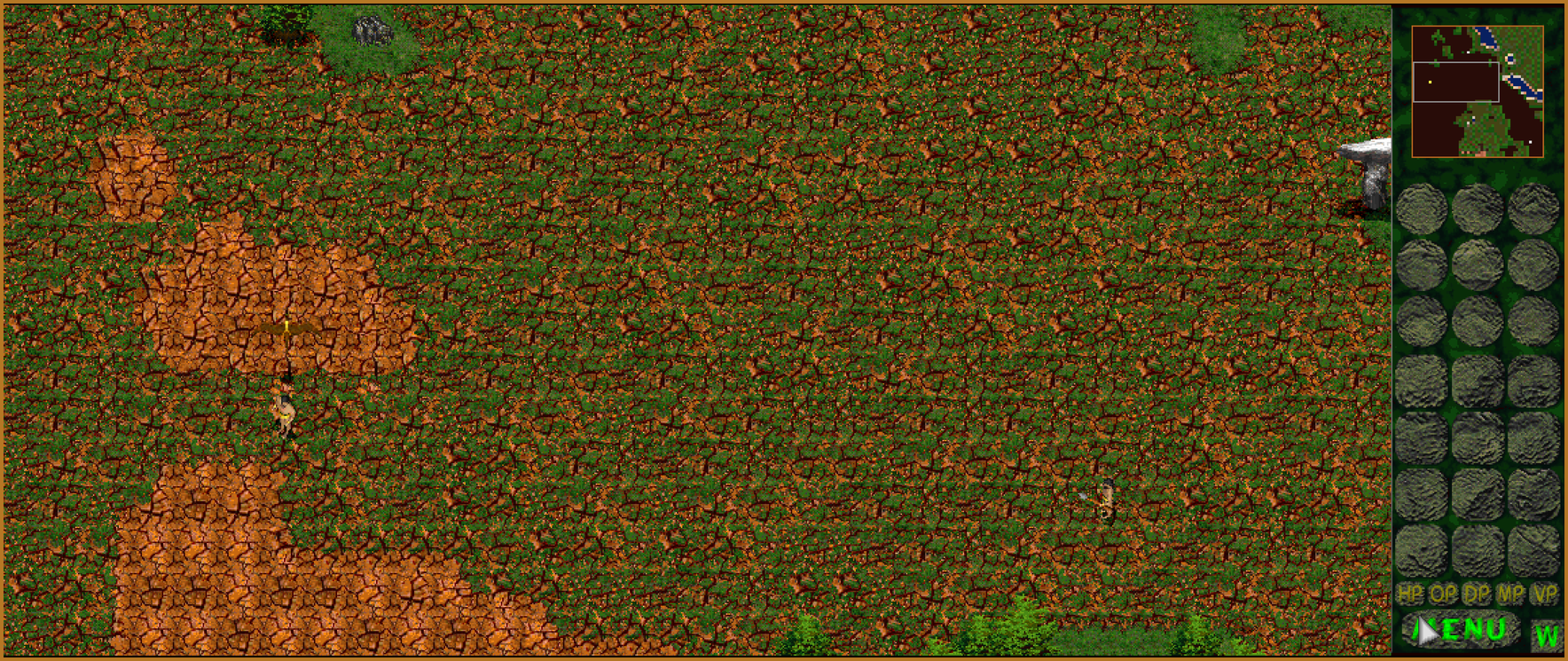
Wider and taller windows reveal more of the live map. Units and the sidebar retain their proportions, menus stay centered, and films and briefings keep their original aspect ratio. A classic 640 × 480 view remains available.
Play in a resizable window or press Alt + Enter for borderless fullscreen. Move between displays with different scaling, resize safely and use Alt-Tab without trapping the pointer. DOSBox and DOS sound-card setup are no longer needed.
Print Screen saves a dated image of your game or spectator view in the Screenshots folder. The original sidebar-hiding W control also works with the expanded battlefield, giving more space to the map.
Choose a topic to explore the modes and optional systems added to the Windows edition.
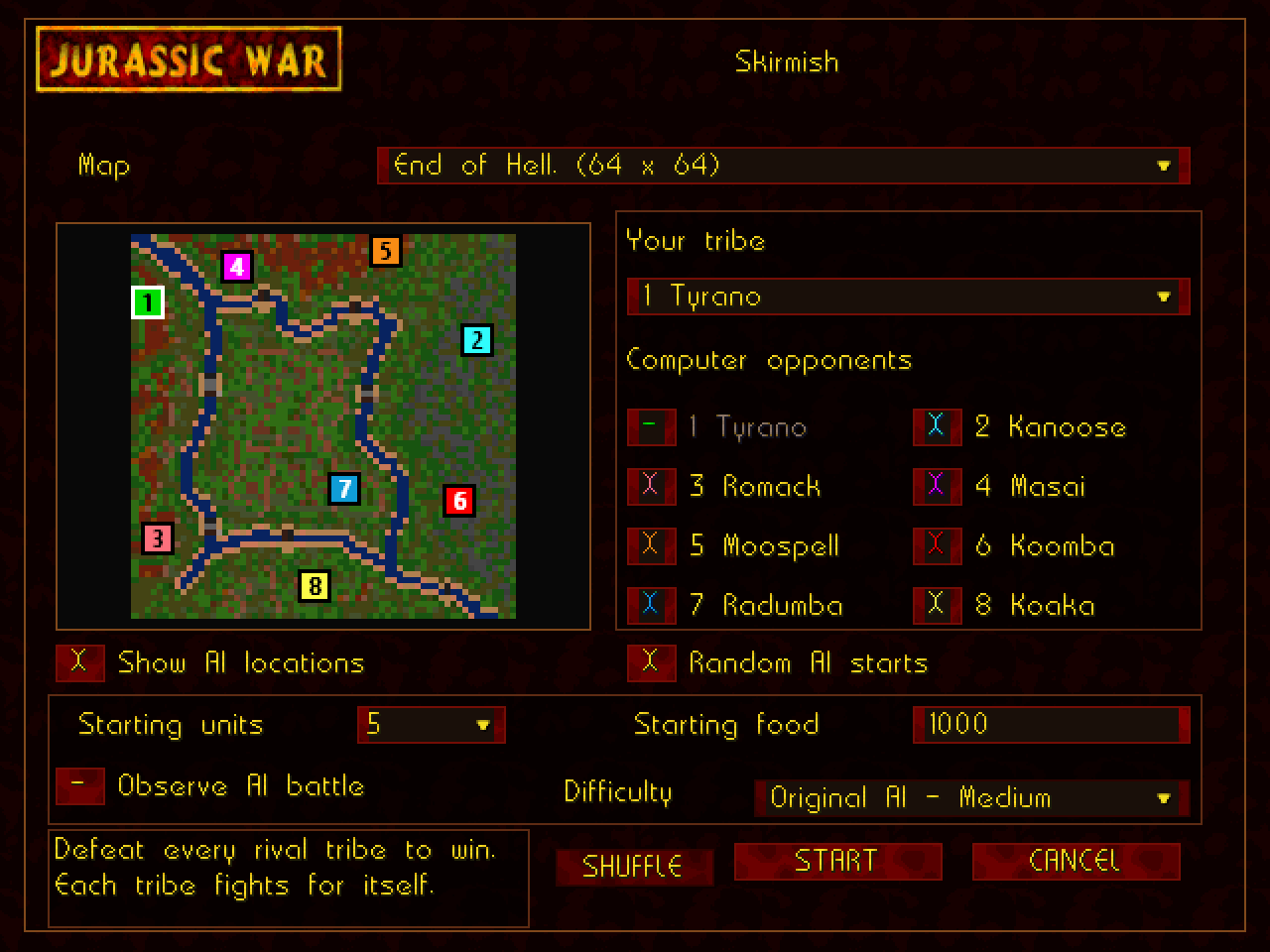
Your battle. Your rules.
Choose your tribe, set your opponents and go hunting. The new offline mode replaces the old Modem button with a complete in-game setup.
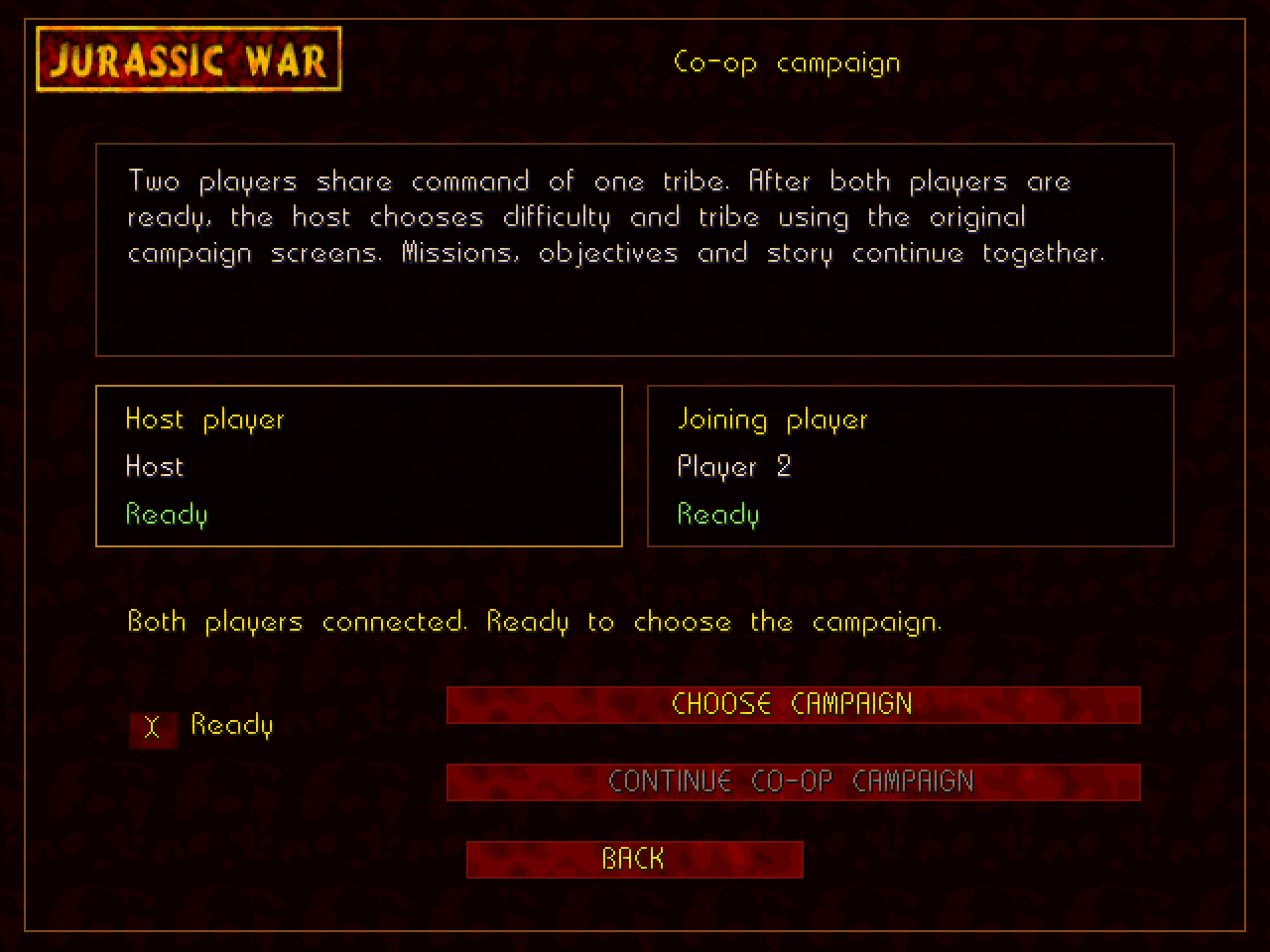
Bring a hunting partner
Share control of one tribe through the original twelve-mission campaign. Each player keeps their own camera and selection.
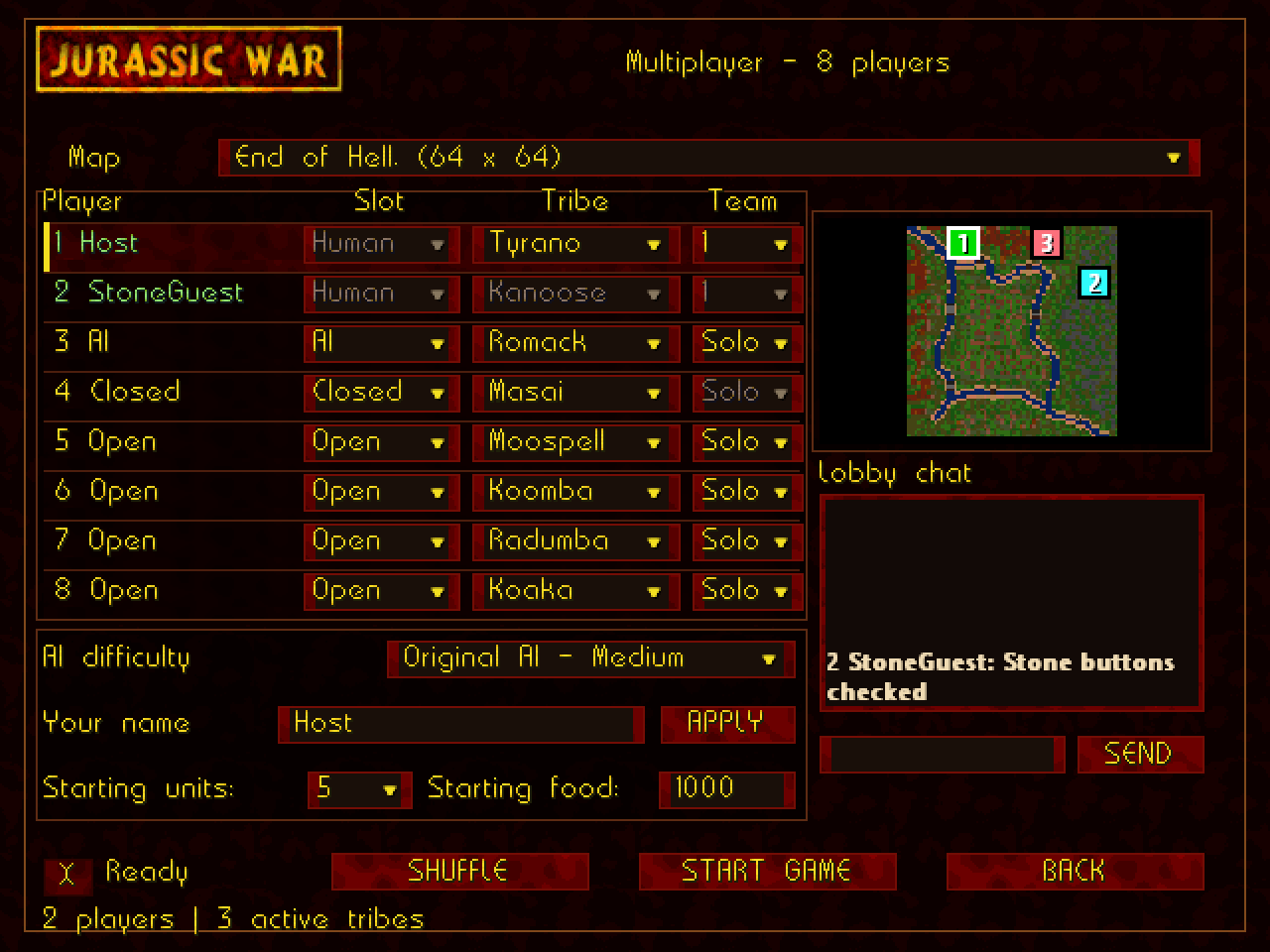
Every tribe can join
Play with up to eight human commanders or mix players with AI. A match can use only the tribes you want.
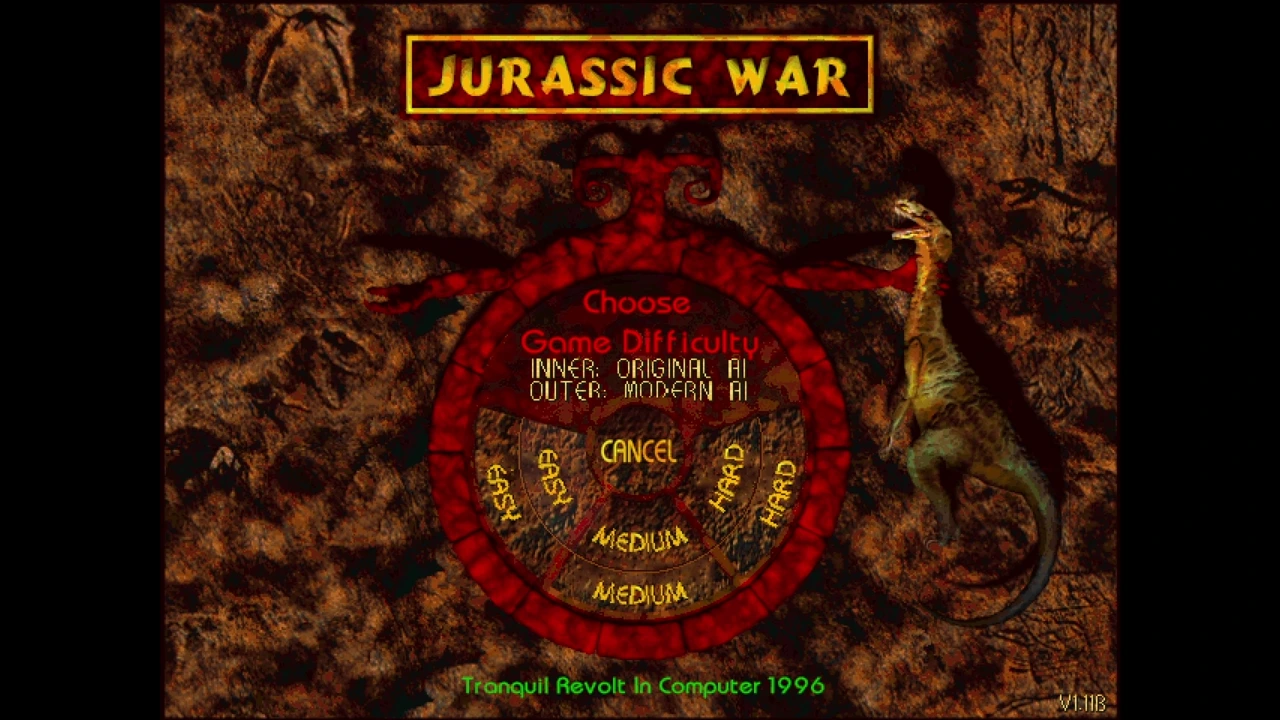
An opponent with a plan
Optional Modern AI adds strategic planning to all eight tribes in campaign, skirmish, co-op and network matches, while retaining the game's individual combat and campaign rules.
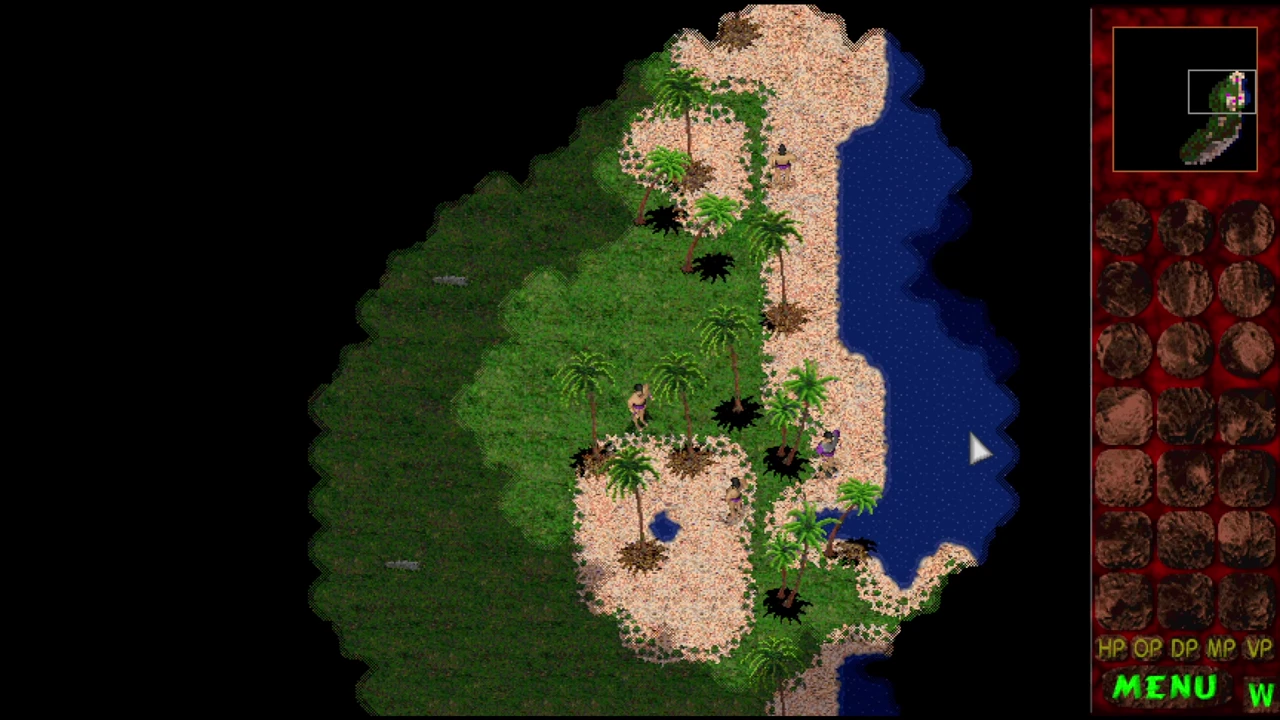
Life between the battles
Enable Dynamic World in Advanced for subtle scenery that keeps the game's original look. It is off by default.
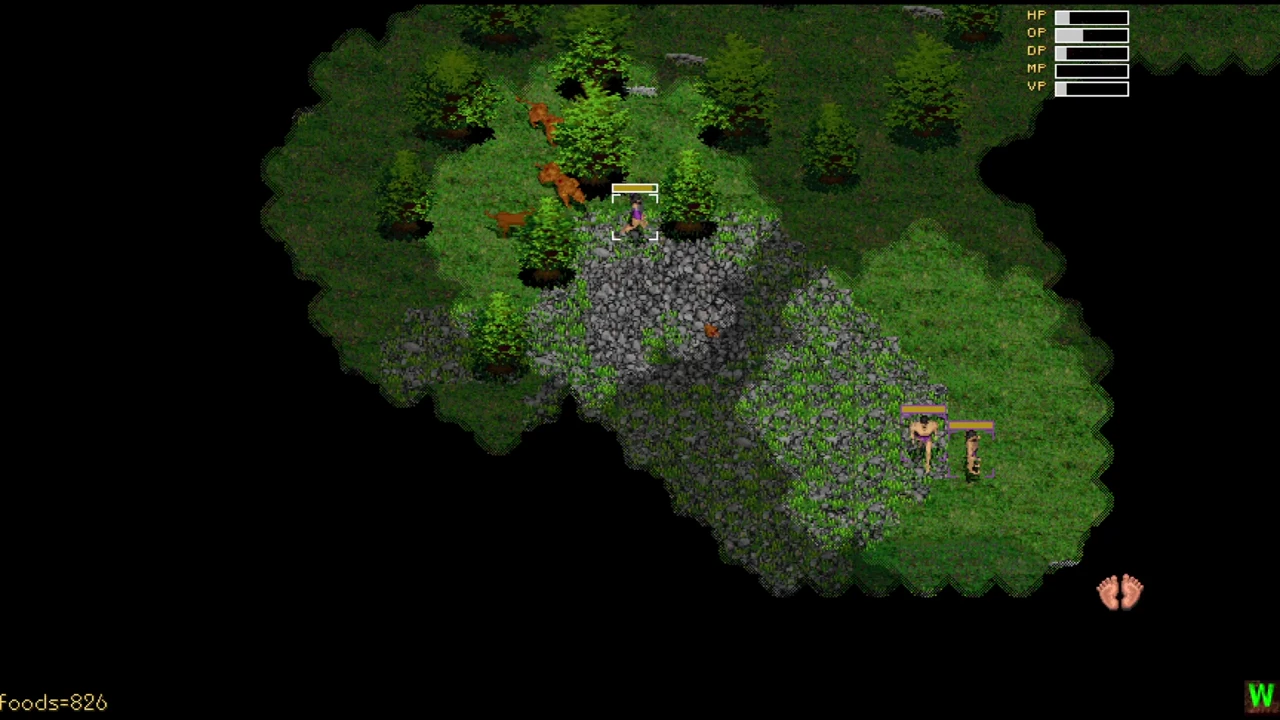
Modern fog of war
Explored terrain and buildings remain dimly visible in their last-seen state. Hidden units, items and updates stay concealed until you return. The original irregular fog edges remain.
The option is off by default. New saves and replay player views remember explored areas; the host selects the rule in network games. Allied teams share sight with modern fog.
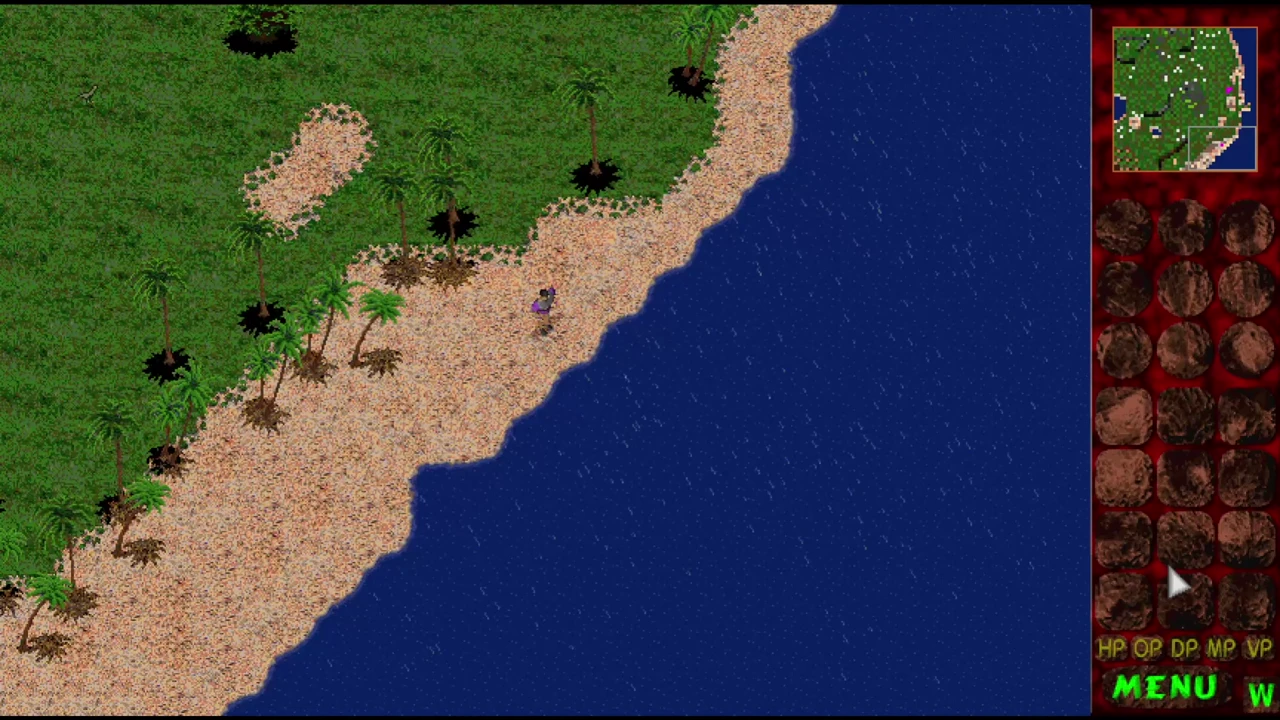
Weather & thunder
Enable Dynamic World in Options → Advanced, then open Weather. Rain brings a continuous overcast sky; the small fair-weather cloud shadows disappear until the shower clears.
Rain and storm fronts move across the map, so larger maps can have wet and dry areas at once. Weather pauses with the game; saves and checkpoints preserve its timing. Rain and thunder audio follow the current camera.
Options → Advanced → Details offers sea waves, reeds, grass ripples, midges/fireflies, rain puddles, sand gusts and creature idle details. Each is optional and off by default. The original pixel-art style and gameplay are preserved.
Thunder: Off, Every shower, or Random showers (default). Off disables both lightning flashes and thunder sound.
Choose how often thunder claps: Rare, Occasional, Normal (default), Frequent or Very frequent.
Rain and thunder have separate volume controls, alongside the main sound-effects volume. The latest thunder has a deep, rolling rumble lasting about seven seconds, arriving shortly after the flash.
Rain is easier to see without hiding the battlefield. Weather remains cosmetic, pauses with the game, and does not change combat or movement.
Watch the battle again
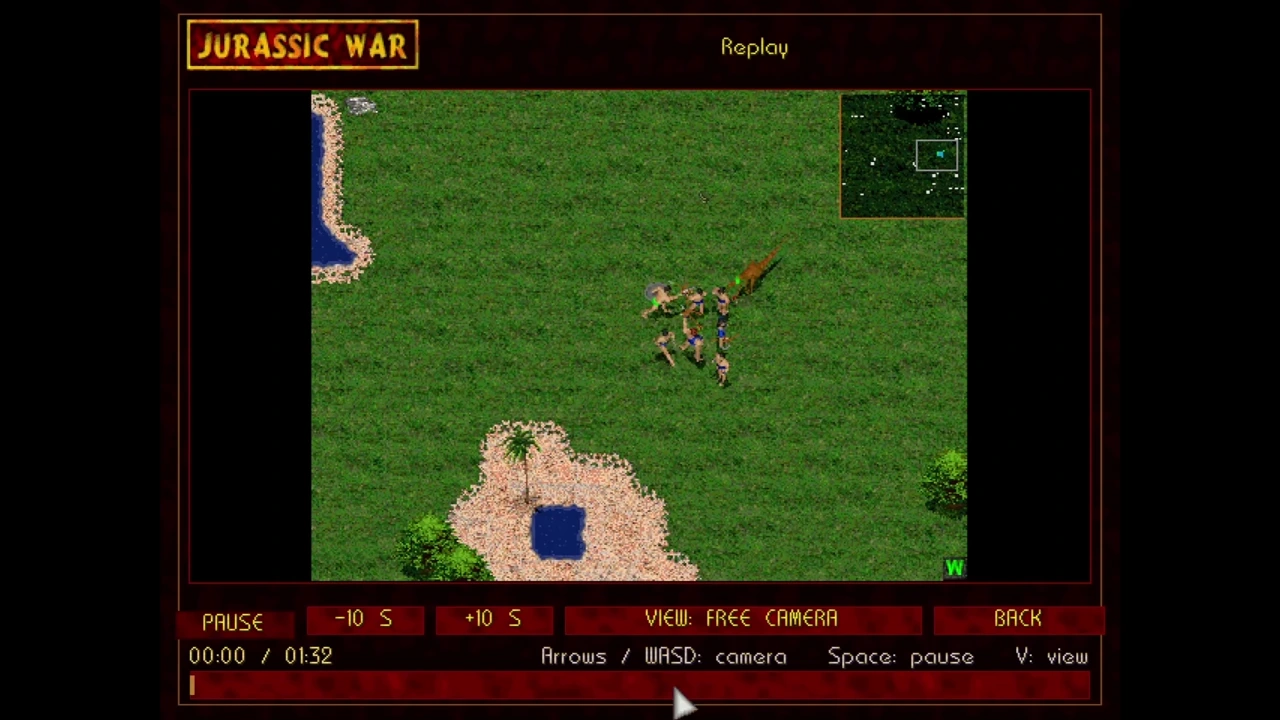
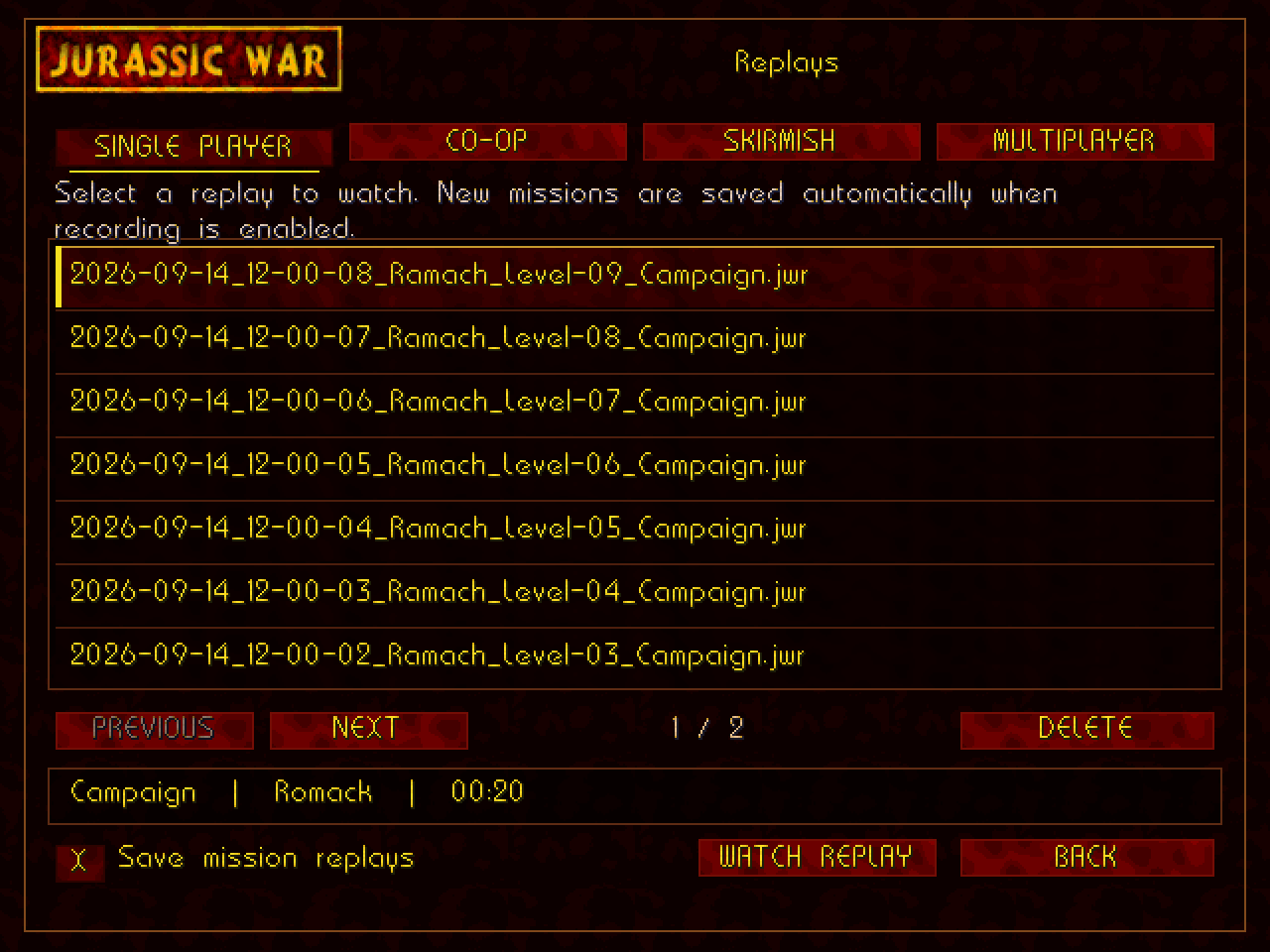
Record campaign, skirmish, co-op and multiplayer missions locally, then return to them through the main-menu Replay button.
Original music, sound effects and movies play through Windows audio. Improvements cover instrument effects, positional sounds across wide and tall views, changing or reconnecting sound devices, and recovery after resume.
Replay pause silences playback, seeking restores the correct music state, and co-op partners hear shared sleep orders. Campaign fixes cover missing victory pictures, end-of-mission transitions, scenario restart and crashes including the Tyrano final mission.
Music mixing and fog processing do less unnecessary work. The original soundtrack and voice/video content are retained.
Advanced brings General, Living world and Weather options into a tribe-themed popup. Optional item tooltips explain equipment, and combat numbers can show damage, attack and defence without revealing hidden fighting.
The JUMP cheat uses an in-game mission chooser with correct minimap previews. Skirmish, co-op, multiplayer and replays share textured red controls and original yellow game lettering.
TCP/IP replaces the old serial connection route. Classic preserves the two-player game with host-controlled synchronized checkpoints, optional cheats and spectator access. The separate eight-player lobby adds larger matches.
A Two Players Local launcher opens separate game instances on one computer. Each instance has its own saves and settings, protecting your usual game-folder saves.
Repairs to Slince island, Pradise and End of terror give computer tribes their correct starting facilities and forces. Connection setup supports direct IP addresses or hostnames, passwords for spectators and observation delay.
Spectator mode & broadcast tools
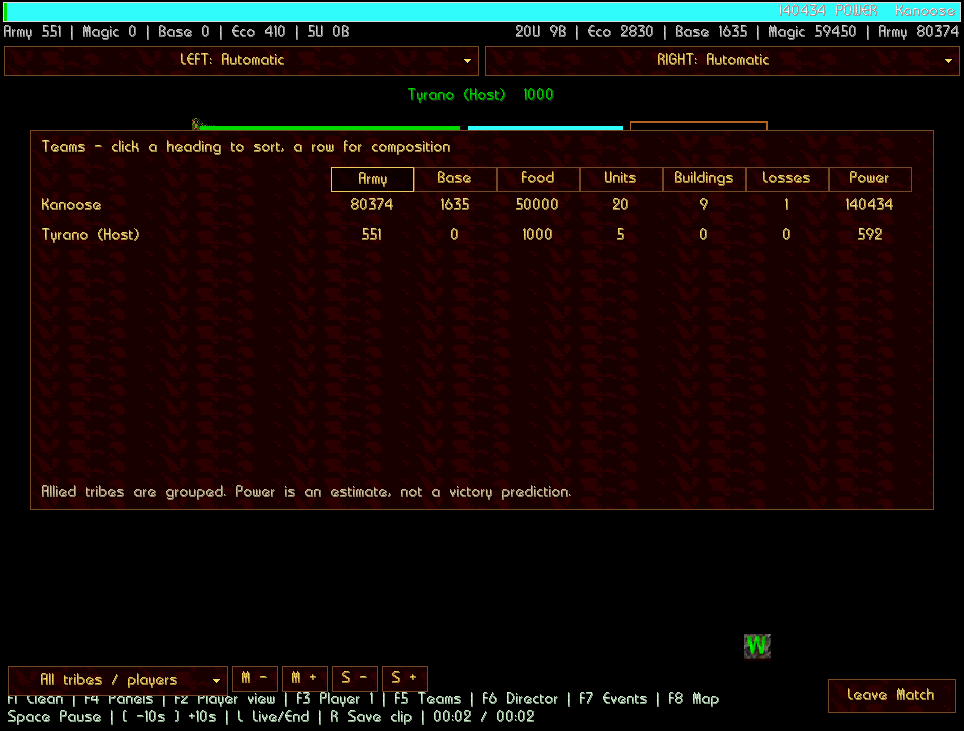
Watch Classic, eight-player multiplayer or campaign co-op without taking a player slot. Up to four viewers choose their own available roles: two Team viewers, one Streamer and one Commentator.
Prefer to watch the AI? Skirmish's Observe AI battle uses the same scoreboard and camera tools offline, with either Original or Modern AI.
Saving & recovery
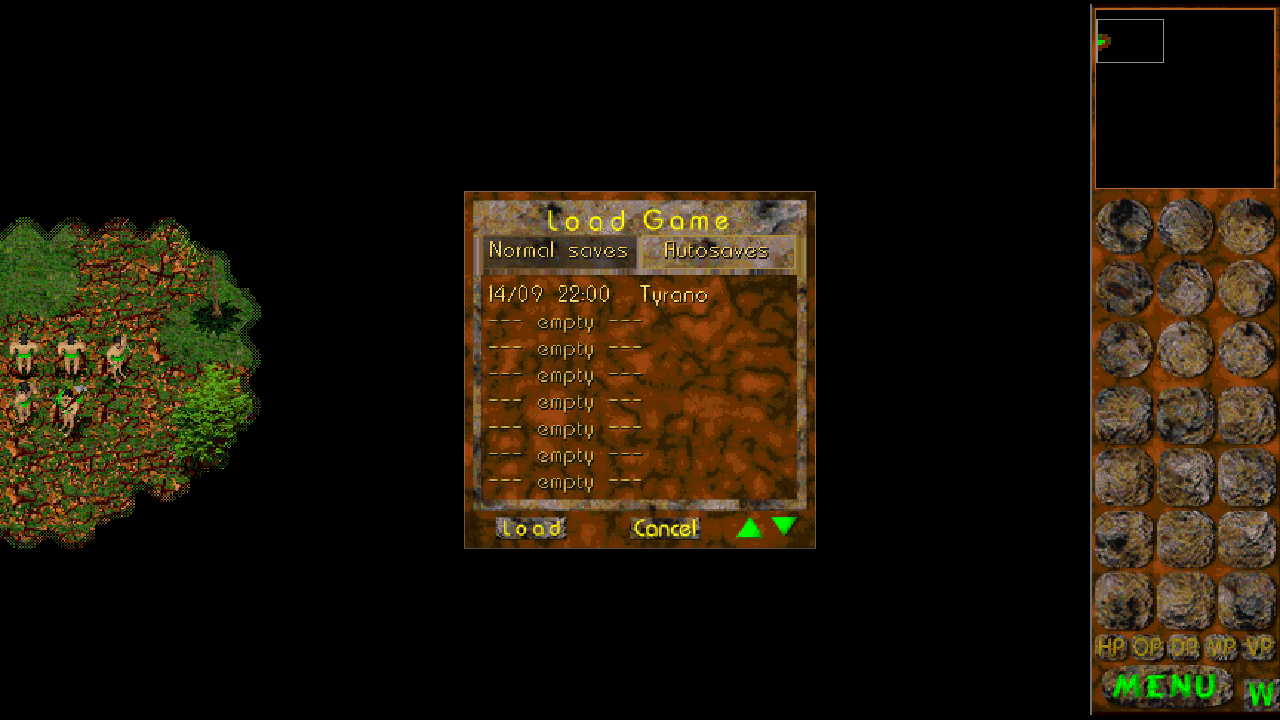
Co-op Continue restarts the last mission reached. Shared checkpoints restore the battle; replays are recordings for watching. Back up saves and their fog sidecars together.
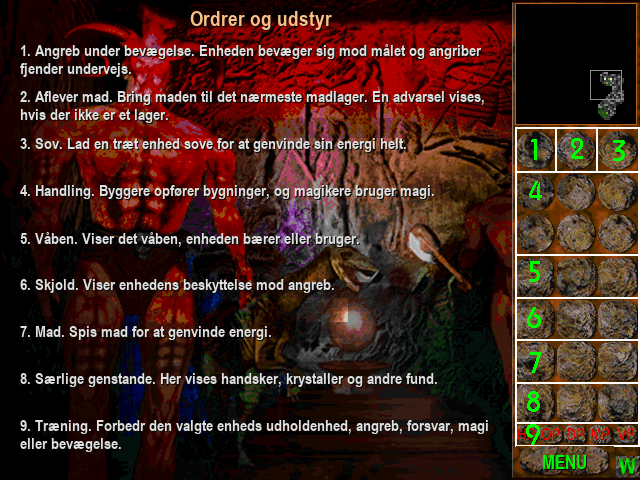
Eight selectable languages
Switch text language from the startup selector or Options → Advanced. The language packs cover campaign briefings and endings, menus, interface messages and the illustrated F1 help pages.
New ways to command the island, build your own worlds and return to the battles that matter.
Downloads
Full game and editor downloads, plus the actual Jurassic War browser testing lab.
Open the dedicated Downloads page
Windows 1.11G · build 1.12.34.0 · World Studio 0.40.0 · 13 October 2026
Complete Windows x64 game with original data, the current native runtime, eight language packs and World Studio.
357.0 MB · ZIP · Windows x64
Standalone World Studio for Windows x64. Create and validate native maps, campaigns and custom content for the current Windows game.
Requires a Jurassic War game folder with the original English retail assets. Choose the complete game package if you do not have them.
149.8 MB · ZIP · Windows x64
For an existing compatible game installation. Back up the game folder and saves before applying this package.
Download · Jurassic War 1.11G · 253.2 MB ZIPChangelog · Full changelog (English) · SHA-256 / package details
Extract the ZIP into a new folder. Keep every extracted file together and launch the game from that folder. Do not run it from inside the archive.
Run the current launcher from the extracted game folder. Select your language on first launch; keep the original game data and language packs beside the launcher.
Open World Studio from the game’s Editor entry or use Start Map Studio.cmd or MapStudio/JurassicWar.Editor.exe. The standalone editor ZIP includes its own runtime.
| Mode | Who plays? | What to expect | Save & return |
|---|---|---|---|
| Campaign | One player | The original tribe stories and mission objectives | Manual saves & autosaves |
| Skirmish | You + 1–7 AI tribes | 20 maps, independent tribes, your setup | Save, load & restart |
| Campaign co-op | Two players, one tribe | The full campaign under shared command | Campaign progress + one shared battle checkpoint |
| 8-player multiplayer | Up to eight humans, with optional AI | Tribe choices, teams and a shared lobby | Host checkpoints in the active match; matching setup required |
| Classic multiplayer | Two players | The familiar original two-player lobby | Synchronized checkpoints |
| Observe AI battle | AI-controlled tribes | Watch with spectator-style camera and information tools | Normal offline save and replay facilities |
All players and spectators in a network game need matching Jurassic War 1.11G builds and game content. Display languages can differ.
For separate tribes, choose Multiplayer Game → TCP/IP → Play – 2 to 8 players. One person hosts; everyone else joins their address. For a shared campaign, choose Multiplayer Game → Co-op.
The default game port is 27015. Across the internet, the host needs a reachable address and appropriate router/firewall access. This release does not include automatic matchmaking. There is no mid-battle player joining or host migration.
The native edition keeps the original engine, campaign art, unit sprites and core combat. Original AI is the default. Modern AI, Dynamic World and modern fog are optional.
Resizable widescreen views and fullscreen make it more comfortable on current displays. Advanced adds information and visual controls while preserving the game's tribe-specific presentation.
A mission replay is for watching. It lets you pause, seek and change between free camera and the recording player's view. It does not resume control of that battle.
Co-op Continue returns to the last mission reached from its beginning. Shared Save/Load restores a battle checkpoint; reconnect with the same tribe and load after its briefing. Eight-player live matches cannot currently be resumed from a save.
Full game and editor downloads, plus the actual Jurassic War browser testing lab.
Start fresh with the full game, update an existing installation, or play the DOS original in your browser.
Guides, communities and independent projects from people keeping Jurassic War alive. These are external sites, with their own languages and development plans.